The Future of B2B Data: AI, Automation, and Compliance
How AI and automation are changing B2B data collection, and why compliance keeps that data trustworthy.
Read article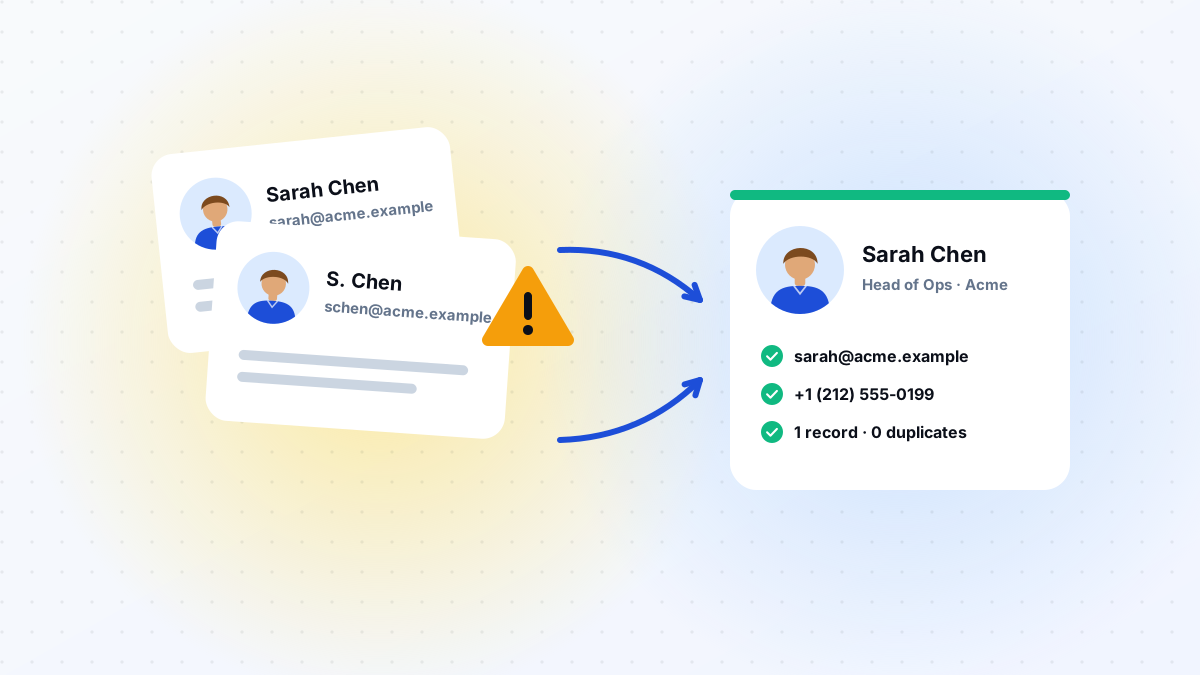
Duplicate contacts feel like a random, unavoidable mess, but they almost always trace back to one of a handful of predictable sources. Closing those sources is far more effective than cleaning up duplicates after the fact.
Contacts uploaded from a conference list, a purchased database, and a form fill, all for the same person, rarely match perfectly on formatting. A slightly different name spelling or email capitalization is enough for most systems to treat them as separate records.
When company names, job titles, or phone numbers can be typed freely, the same real-world entity ends up represented several different ways across your CRM, quietly multiplying duplicates over time.
Under time pressure, it is faster to create a new contact than to search for an existing one. Multiply that shortcut across a team over months, and duplicates accumulate steadily, even with good intentions.
When your marketing platform and CRM sync imperfectly, or not at all, the same person can exist as separate records in each system, and sometimes as two records within the same system after a partial sync.
When companies merge or change domains, contacts tied to the old company details often stay untouched while new records get created under the new name, leaving both versions live.
Related service
Customer data decays over time. We validate, standardize, deduplicate, and enrich your CRM so your team engages the right people with the right details.
Keep reading
How AI and automation are changing B2B data collection, and why compliance keeps that data trustworthy.
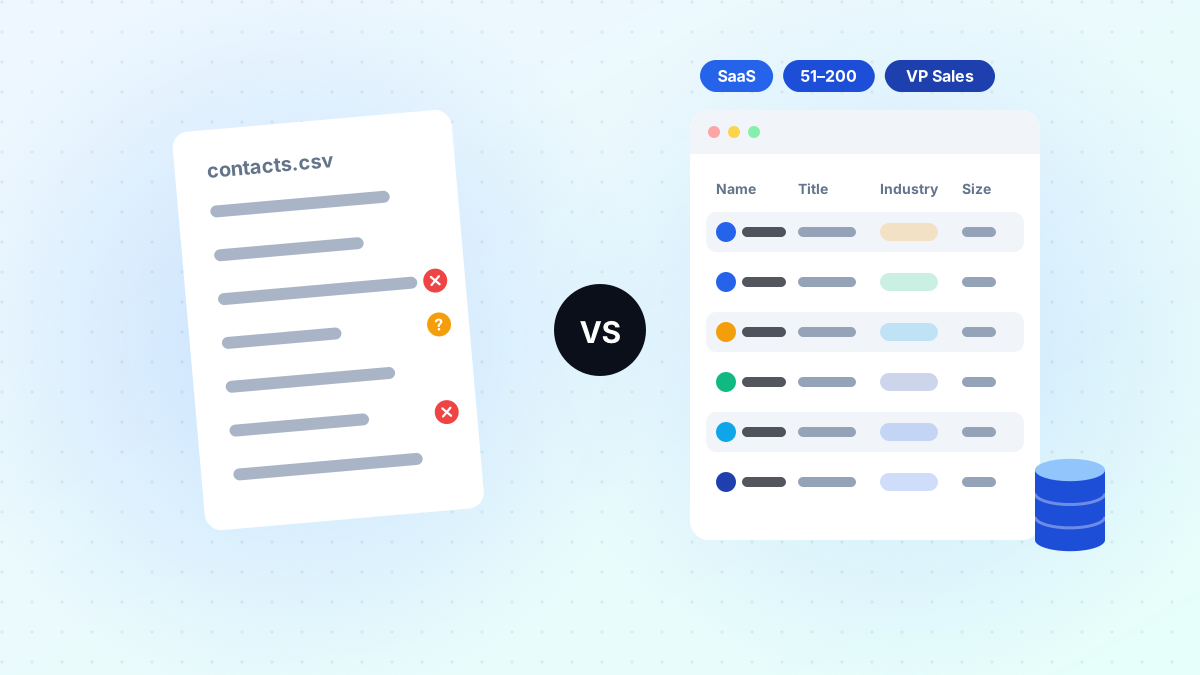
Read articleWhy a curated B2B database and a raw contact list lead to very different outreach results.
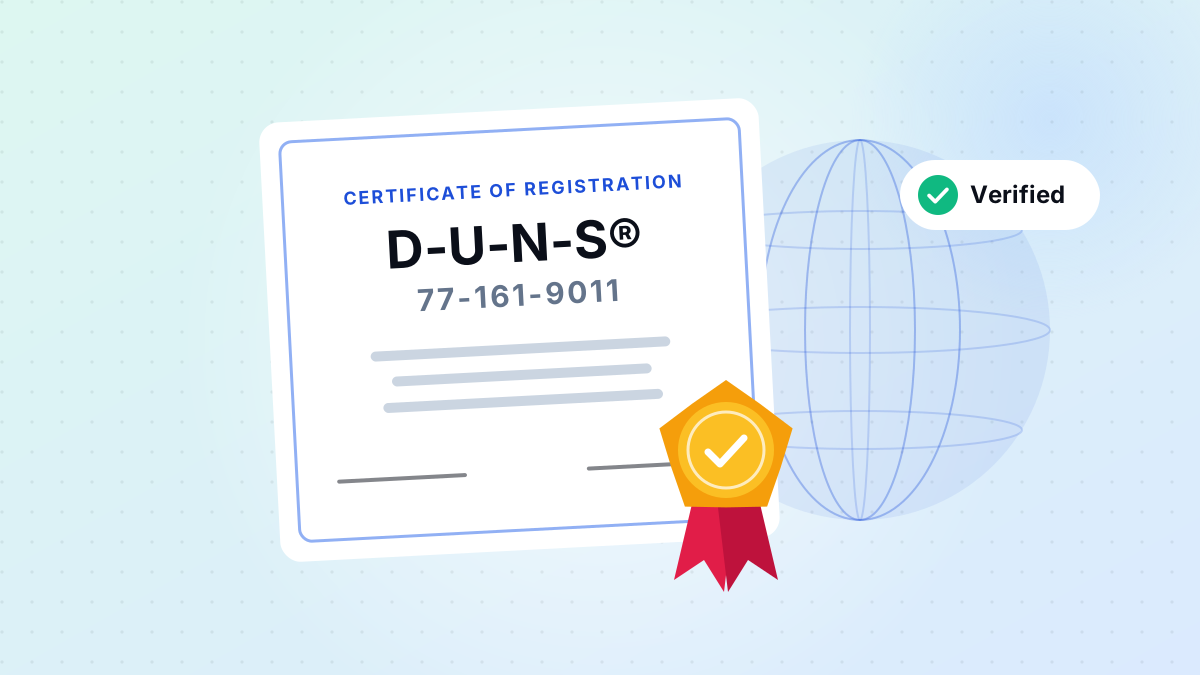
Read articleWhat DUNS registration means for transparency, verification, and enterprise-grade data services.
Read articleAsk us anything
From list building to CRM cleanup, our researchers are happy to talk through what will work for you.
We use cookies to provide essential website functionality, improve your experience, understand website performance, and support our marketing activities.
You can choose which types of cookies you allow. Essential cookies cannot be disabled because they are required for the website to function properly.
These cookies are necessary for core website functions, security, navigation, and your cookie preferences.
These cookies help us understand how visitors use our website, such as which pages are visited and how users interact with our content. This helps us improve our website and services.
These cookies may be used to understand advertising and campaign performance and provide more relevant communications or content.
Locked off because your browser sent a privacy opt-out signal or you opted out of sale or sharing.
These cookies allow the website to remember certain preferences and provide enhanced functionality.
You can change your cookie preferences at any time through the Cookie Settings option on our website. For more information, please see our Cookie Policy and Privacy Policy.