The Future of B2B Data: AI, Automation, and Compliance
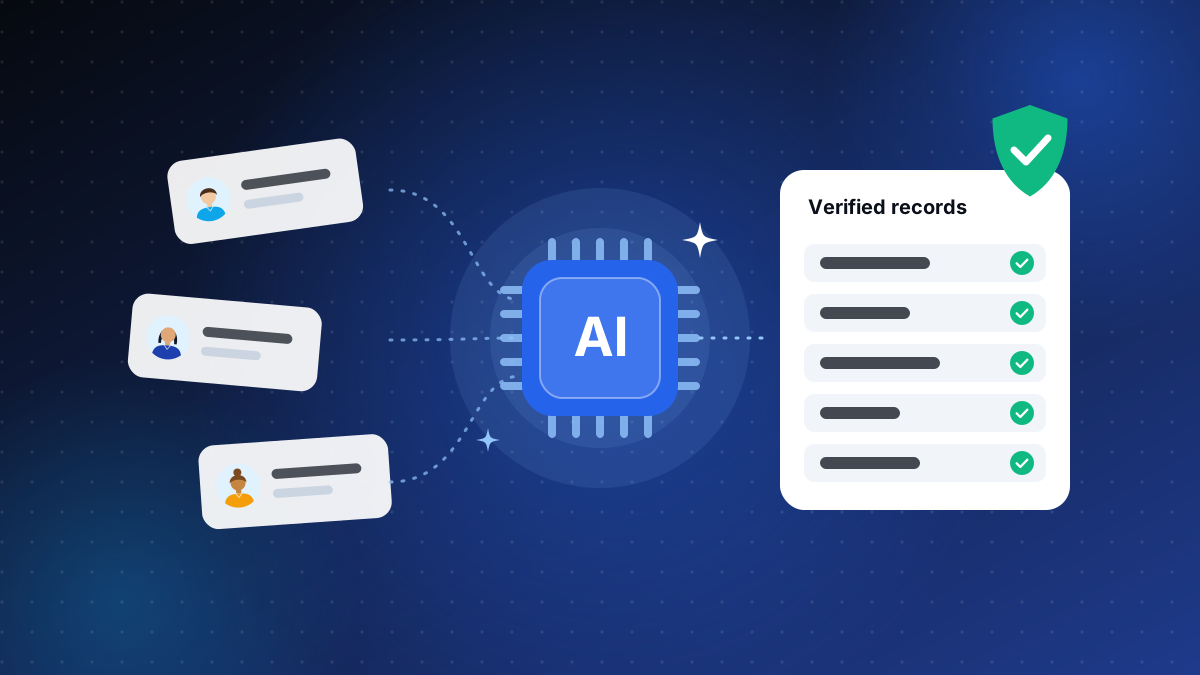
How AI and automation are changing B2B data collection, and why compliance keeps that data trustworthy.
Read article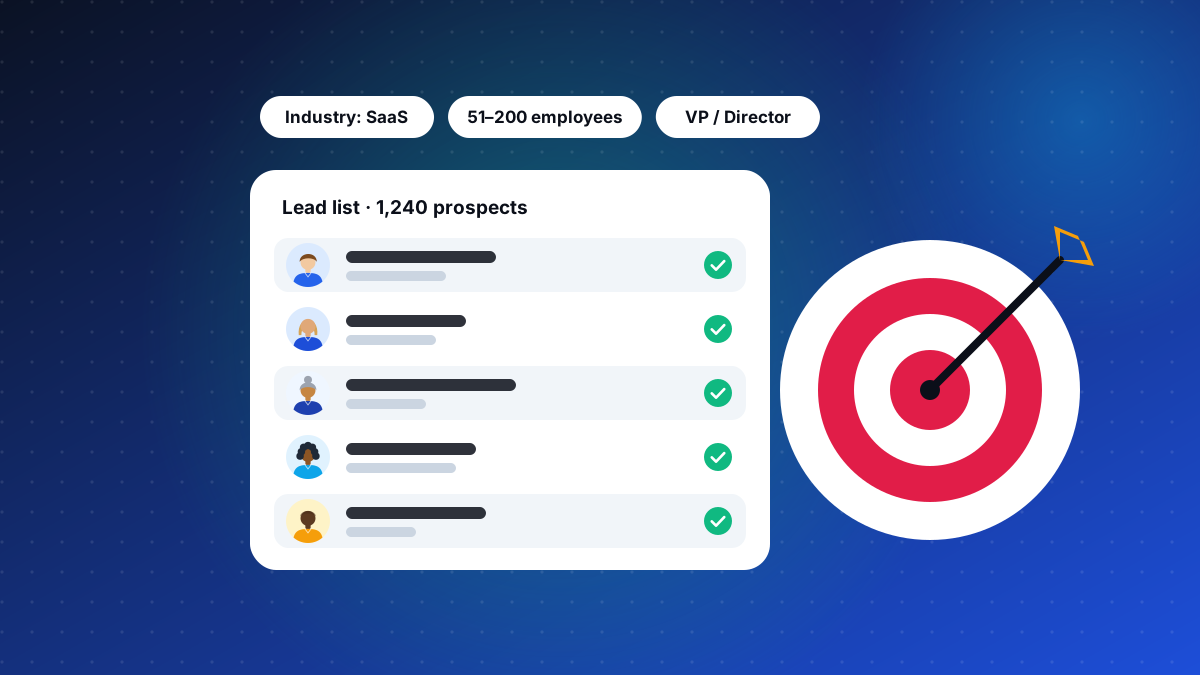
B2B lead lists are a core tool for driving sales and growing a customer base. A well-curated list gives your team detailed contact information about potential customers, so they can reach the right decision-makers, personalize their messages, and convert more.
A B2B lead list is a structured collection of business contact information used to identify and target potential customers. Typical data points include:
Focus on the most relevant prospects and tailor solutions to their pain points.
A clean, verified list directs effort toward leads more likely to convert.
Job title, company size, and industry make outreach more relevant.
Categorize prospects by funnel stage for more effective follow-ups.
Accurate data lets you analyze trends, measure campaigns, and forecast sales.
Contact details go stale through job changes and restructuring. Update and verify lists regularly.
Duplicates cause confusion and inefficiency. Use CRM tools to find and remove them automatically.
If prospects are not responding, review your messaging. Make it personal, relevant, and valuable.
By creating a well-segmented, accurate, and verified list, businesses raise outreach success and generate higher-quality leads. Invest in good data, update lists regularly, and use automation to manage them, and a lead list can become a key driver of growth.
Related service
Custom-built, human-verified prospect lists mapped to your ideal customer profile. Accurate, verified, and up to date, so your team reaches the right people faster.
Keep reading
How AI and automation are changing B2B data collection, and why compliance keeps that data trustworthy.
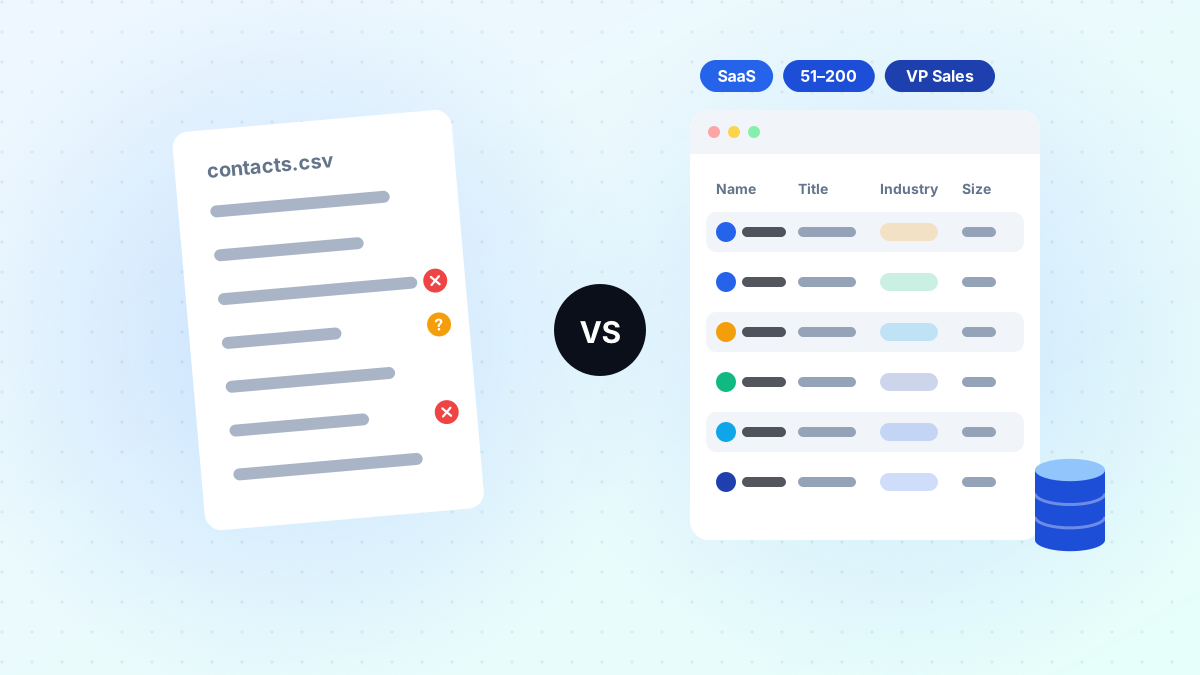
Read articleWhy a curated B2B database and a raw contact list lead to very different outreach results.
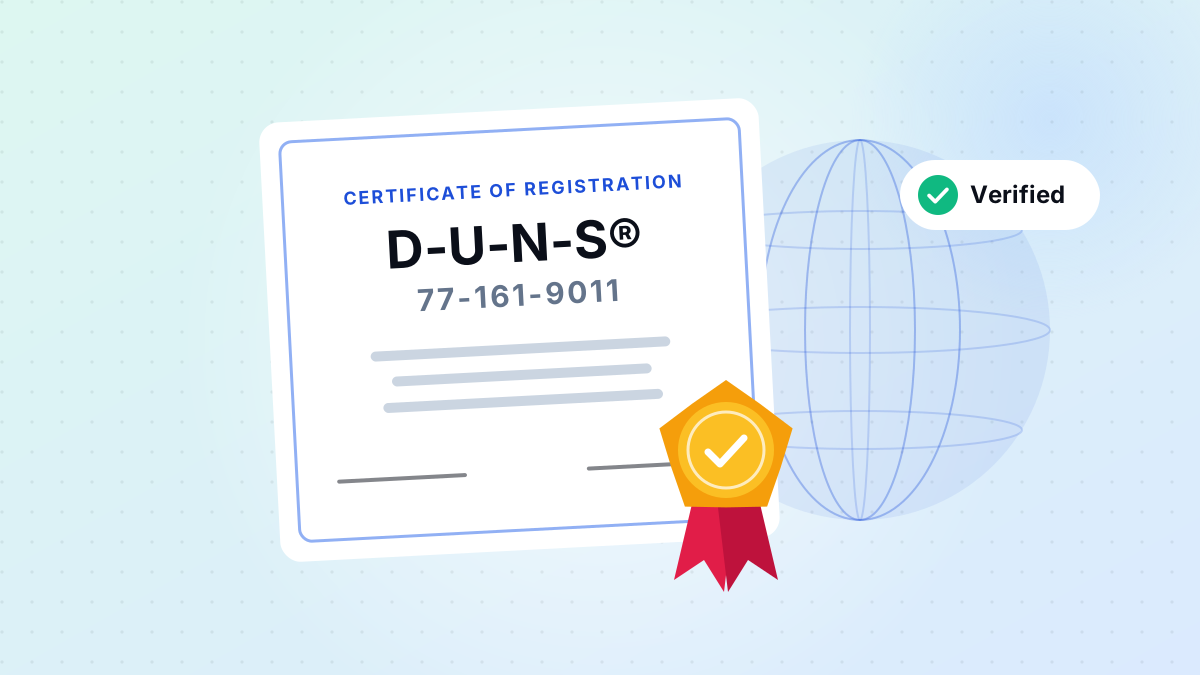
Read articleWhat DUNS registration means for transparency, verification, and enterprise-grade data services.
Read articleAsk us anything
From list building to CRM cleanup, our researchers are happy to talk through what will work for you.
We use cookies to provide essential website functionality, improve your experience, understand website performance, and support our marketing activities.
You can choose which types of cookies you allow. Essential cookies cannot be disabled because they are required for the website to function properly.
These cookies are necessary for core website functions, security, navigation, and your cookie preferences.
These cookies help us understand how visitors use our website, such as which pages are visited and how users interact with our content. This helps us improve our website and services.
These cookies may be used to understand advertising and campaign performance and provide more relevant communications or content.
Locked off because your browser sent a privacy opt-out signal or you opted out of sale or sharing.
These cookies allow the website to remember certain preferences and provide enhanced functionality.
You can change your cookie preferences at any time through the Cookie Settings option on our website. For more information, please see our Cookie Policy and Privacy Policy.