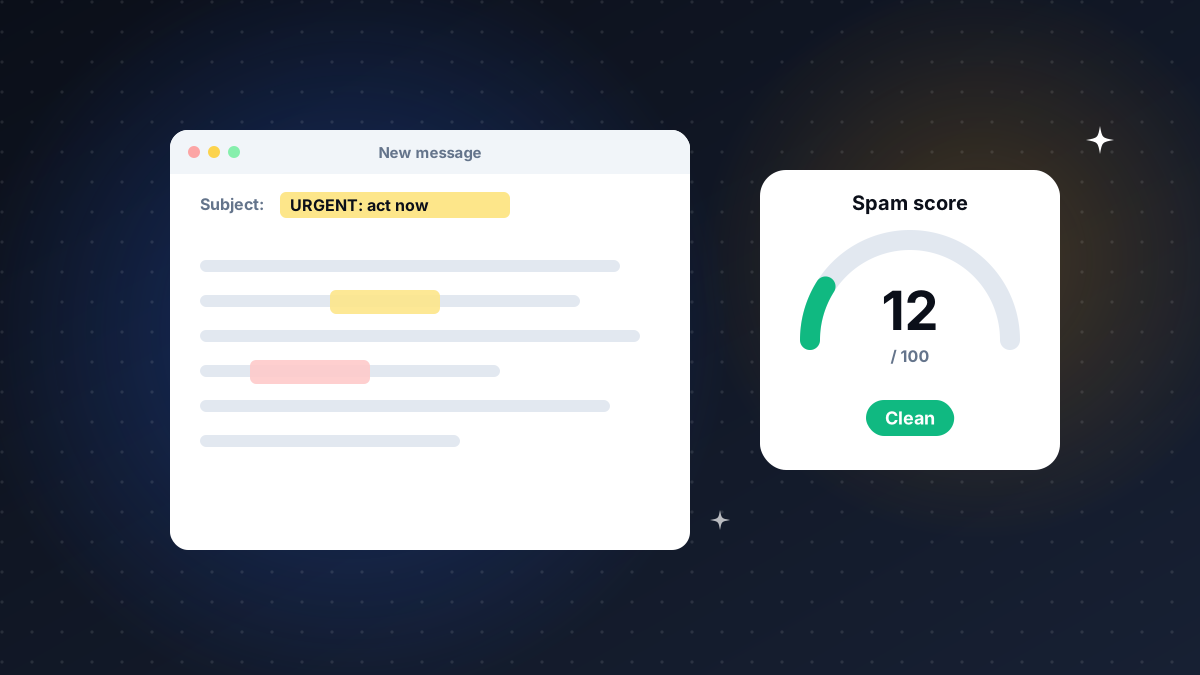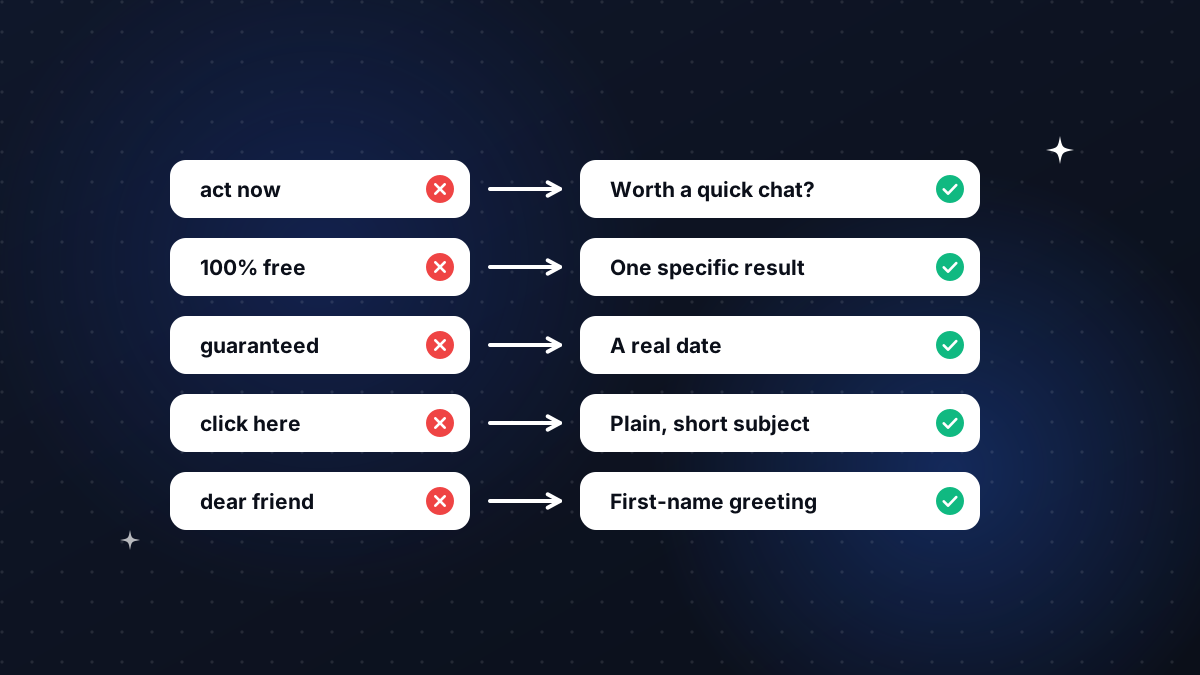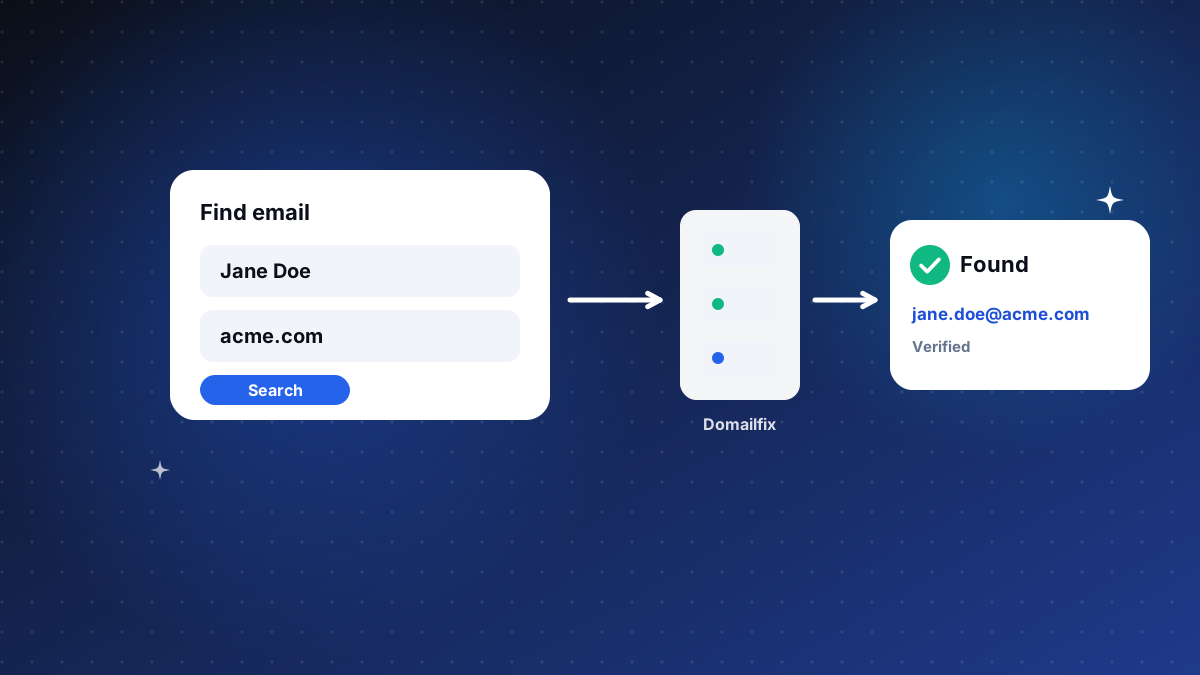
How to Find Someone's Work Email Address (and Know It Is Real)
A practical way to find a person's work email from just their name and company website, and know it is confirmed rather than guessed.
Read article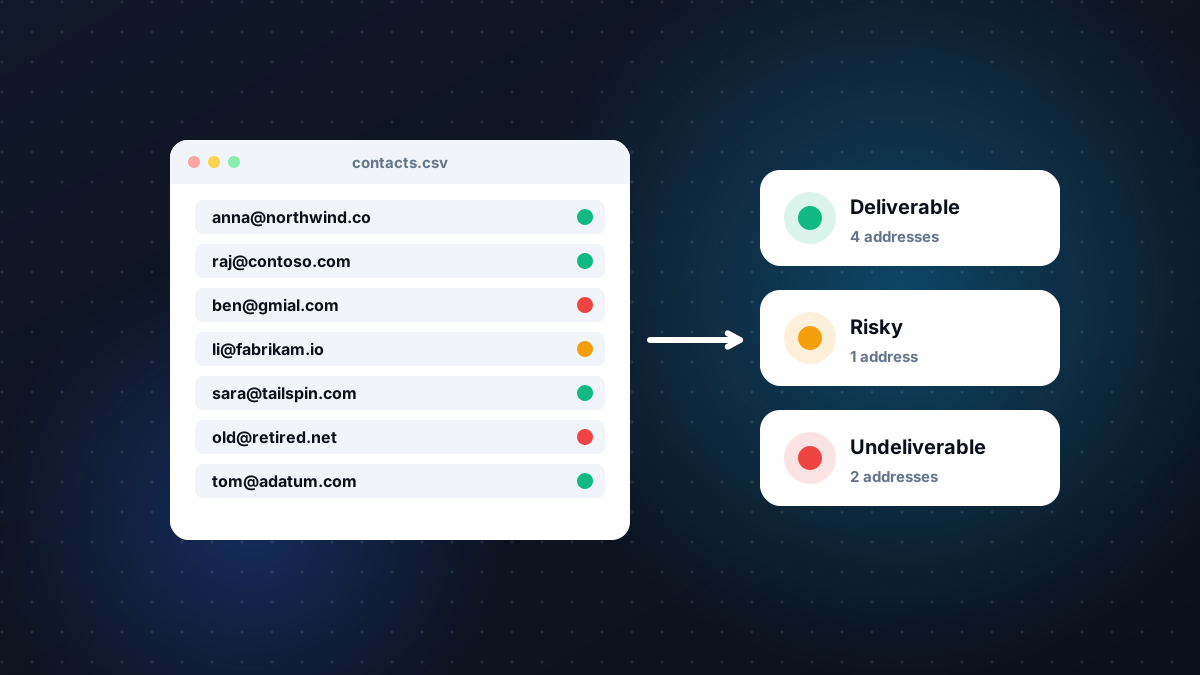
Lists decay quietly. People change jobs, companies change domains, and typos slip in at sign-up. Sending to that list as it is means bounces, and bounces push your good emails toward spam too. Verifying the list first is the cheapest fix there is.
B2B contact data loses accuracy every month as people move roles and companies. Add mistyped addresses, old imports and duplicates, and a list that looked clean last quarter can bounce badly today.
| Result | What it means | What to do |
|---|---|---|
| Deliverable | The address is confirmed and safe to send to | Keep and send |
| Undeliverable | The address is invalid, the domain cannot receive email, or the mailbox does not exist | Remove it |
| Risky | Accept-all domain, full mailbox, or a throwaway address | Send with care, or verify another way first |
| Unknown | A definite answer was not available this time | Retry later. Unknown results are not charged |
Verify any list you have not sent to in the last few weeks.
Check new lists from events, partners or old CRMs before they mix with your clean data.
Re-check your main CRM list so decay does not build up unnoticed.
A verified address tells you the mailbox exists. It does not give you the right to email it. Make sure you have a lawful basis for every contact, follow GDPR, the DPDP Act and anti-spam laws, and always include an easy way to opt out.
Before you send to the cleaned list, run your copy through the Free Cold Email Spam Checker. If too many addresses come back Undeliverable, our CRM data enrichment team can replace them with current contacts.
Try it free
Find a work email from a name and company website, or verify one address or a whole list. 10 free checks without an account, 100 free credits when you sign up.
Keep reading
A practical way to find a person's work email from just their name and company website, and know it is confirmed rather than guessed.
Read articleA step-by-step guide to scoring your cold email from 0 to 100, reading the results and fixing the words and patterns filters flag.
Read articleThe five groups of words spam filters penalise in cold email, real examples of each, and the plain-language alternatives that get read instead.
Read articleAsk us anything
From list building to CRM cleanup, our researchers are happy to talk through what will work for you.
We use cookies to provide essential website functionality, improve your experience, understand website performance, and support our marketing activities.
You can choose which types of cookies you allow. Essential cookies cannot be disabled because they are required for the website to function properly.
These cookies are necessary for core website functions, security, navigation, and your cookie preferences.
These cookies help us understand how visitors use our website, such as which pages are visited and how users interact with our content. This helps us improve our website and services.
These cookies may be used to understand advertising and campaign performance and provide more relevant communications or content.
Locked off because your browser sent a privacy opt-out signal or you opted out of sale or sharing.
These cookies allow the website to remember certain preferences and provide enhanced functionality.
You can change your cookie preferences at any time through the Cookie Settings option on our website. For more information, please see our Cookie Policy and Privacy Policy.